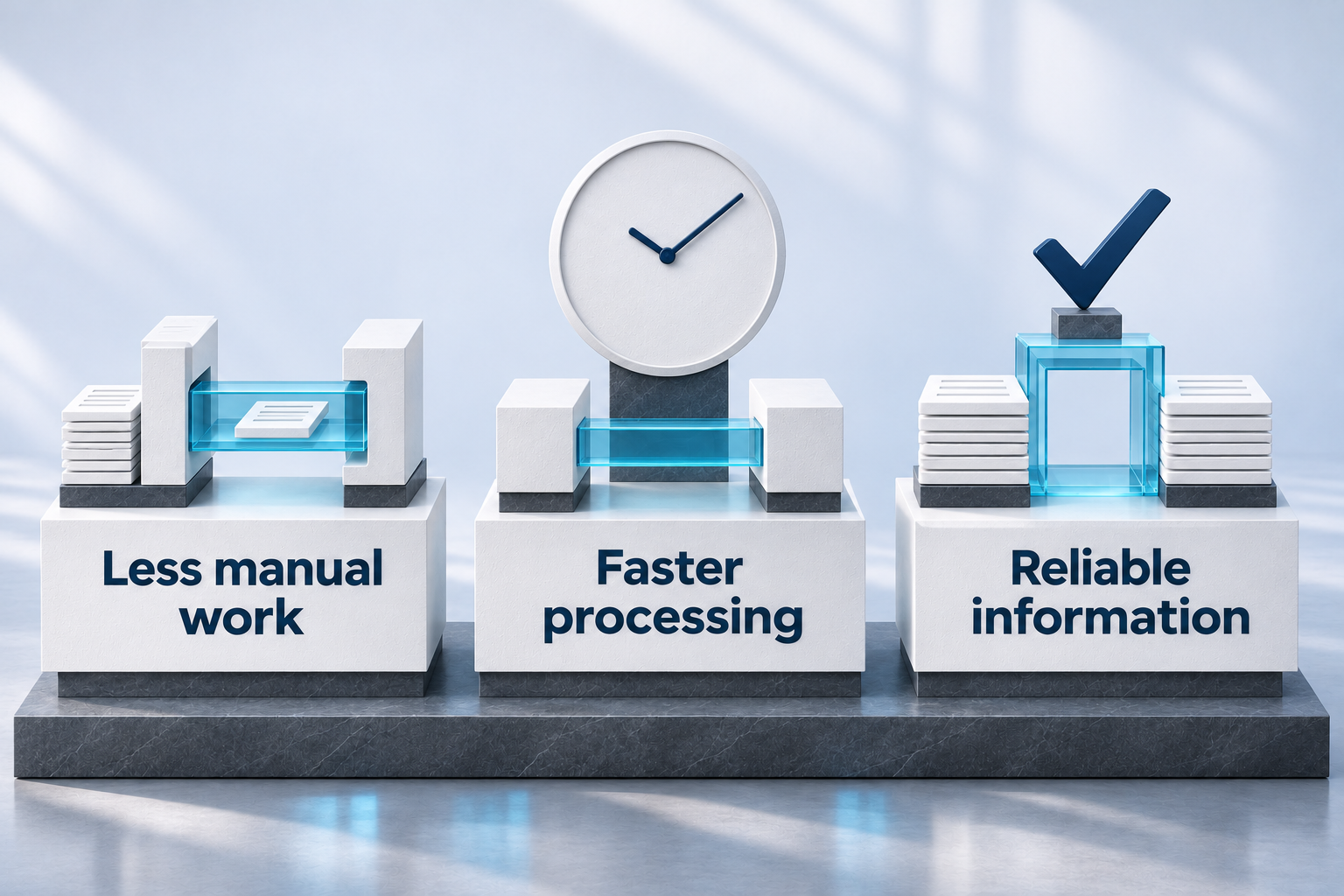
Reduce repetitive administration
Replace routine copying, spreadsheet transfers and repeated updates with defined information flows.
INTEGRATION & AUTOMATION
Global Business Home S.L. provides systems integration consulting and business process automation. We connect ERP, eCommerce, business applications, databases and third-party APIs around agreed workflows, data ownership and operational controls, assessing machine connectivity where required.
Move agreed information between systems without repeated entry.
Connect events, validations, approvals and follow-up.
Define operational KPIs and integration monitoring.
SPECIALIST INTEGRATION
Connect payment links with your ERP, CRM or invoicing software. GBH, an official Dojo partner, assesses compatibility and develops the connection within the agreed scope.
Replace routine copying, spreadsheet transfers and repeated updates with defined information flows.
Trigger the next action when an order, approval, payment or service event meets the agreed conditions.
Agree which system owns each record and how changes are validated and shared.
Give teams a way to identify failed transfers, missing information and cases requiring review.
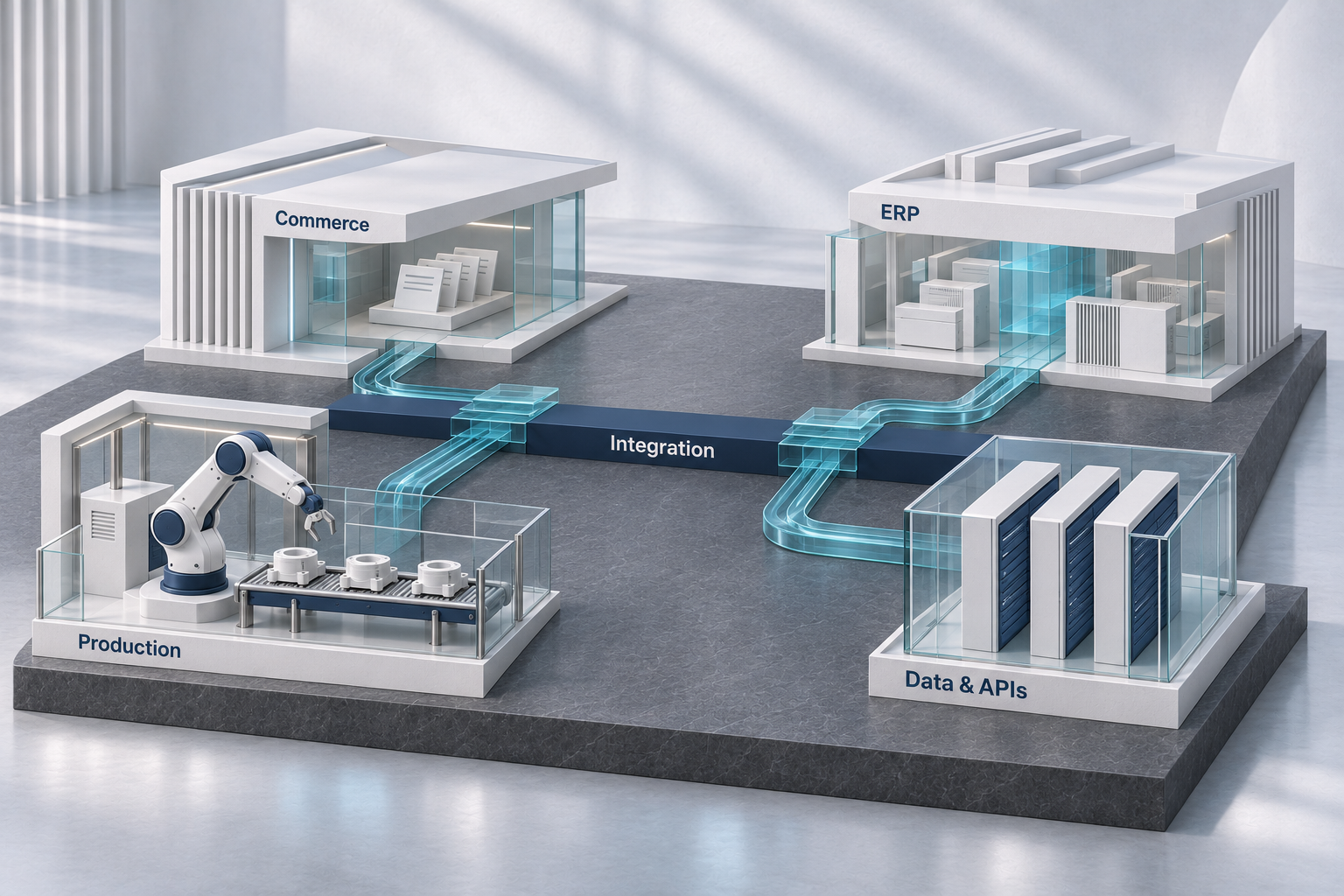
These illustrative integration scenarios cover Shopify and ERP, production systems, payments, logistics, databases and digital service channels. For each project, GBH defines the records, field mappings, transfer direction, triggers, synchronization frequency and validation rules before implementation.
Compatibility is assessed during discovery. Scope depends on available APIs, permissions, subscriptions, data quality and third-party capabilities. Machine connectivity requires an interface and network assessment; control commands and safety-related functions require a separately defined scope.
Define what starts the process: a new record, a status change, an external event or a scheduled check.
Check required information and business conditions, with human approval where the process needs it.
Create or update agreed records, route work and notify the responsible people.
Define logging, duplicate prevention, retry rules and an exception queue with clear ownership.
Agree the baseline, target, data source, owner and review period before measuring results. Operational KPIs show business impact; technical measures show whether the integration is working reliably.

| KPI | How it is measured | What it helps you assess |
|---|---|---|
| Processing time | Elapsed time between agreed start and completion events. | Whether the workflow moves faster. |
| Manual intervention rate | Cases needing manual handling divided by eligible cases. | How much routine work still requires team effort. |
| On-time synchronization | Eligible records synchronized within the agreed window divided by all eligible records. | Whether information reaches the destination when needed. |
| First-pass success rate | Transfers accepted without retry or correction divided by attempted transfers. | How reliably records move through the integration. |
| Data discrepancy rate | Mismatched records divided by records checked using agreed reconciliation rules. | Whether connected information remains consistent. |
| Exception resolution time | Elapsed time from exception detection to verified resolution. | How quickly issues are identified and resolved. |
KPIs are selected for the agreed workflow. Targets are established after baseline assessment; no standard percentage improvement is assumed.
Map the current workflow, manual effort, systems and available interfaces.
Define ownership, field mappings, access, validations, timing and exception handling.
Build and test agreed scenarios, including duplicates, missing data and temporary failures.
Prepare documentation, monitoring, handover and support responsibilities.
Agreed systems, data mappings, triggers, access requirements and acceptance criteria.
Validation scenarios, reconciliation checks and agreed monitoring and recovery procedures.
Documentation, named responsibilities and agreed measurement and support arrangements.
We assess what can be connected and what limitations apply. An integration does not automatically require replacing your systems.
No. Event-based updates and scheduled synchronization are selected according to business needs and interface capabilities.
We first review available interfaces, data access and possible gateways. Feasibility is confirmed before committing to delivery.
The design defines detection, logging, retry behavior, responsibility and escalation. Recovery is tested within the agreed acceptance scenarios.
This can be included where the available interfaces and subscriptions support the agreed requirements. We define which products, customers, orders, inventory updates or fulfilment records need to move, which system owns each record and how taxes, refunds and exceptions should be handled. The scope is validated against the selected ERP and Shopify configuration.
Yes, where suitable data access is available. We assess approved interfaces, reporting extracts or controlled database access, then define mappings, refresh frequency, access permissions and reconciliation checks. The design considers source-system performance and the agreed reporting requirements.
Tell us which systems are involved, what information needs to move and where delays or repeated work occur. We will assess the requirements and identify a practical starting point.